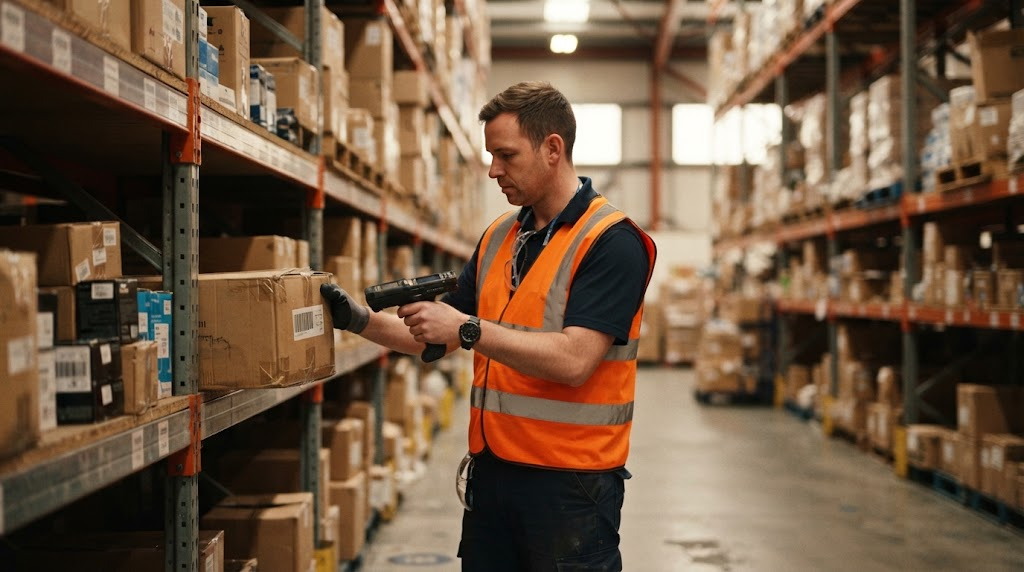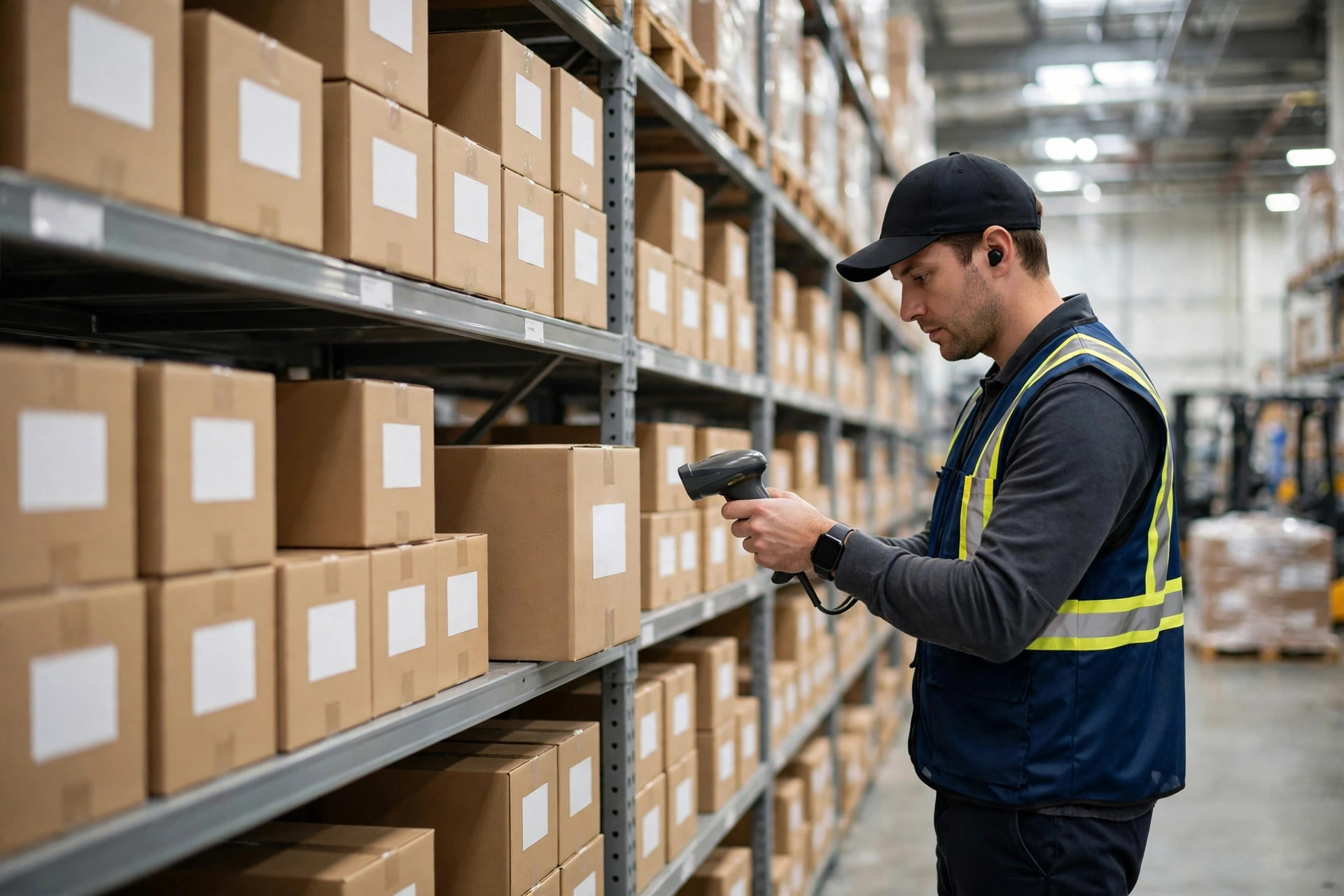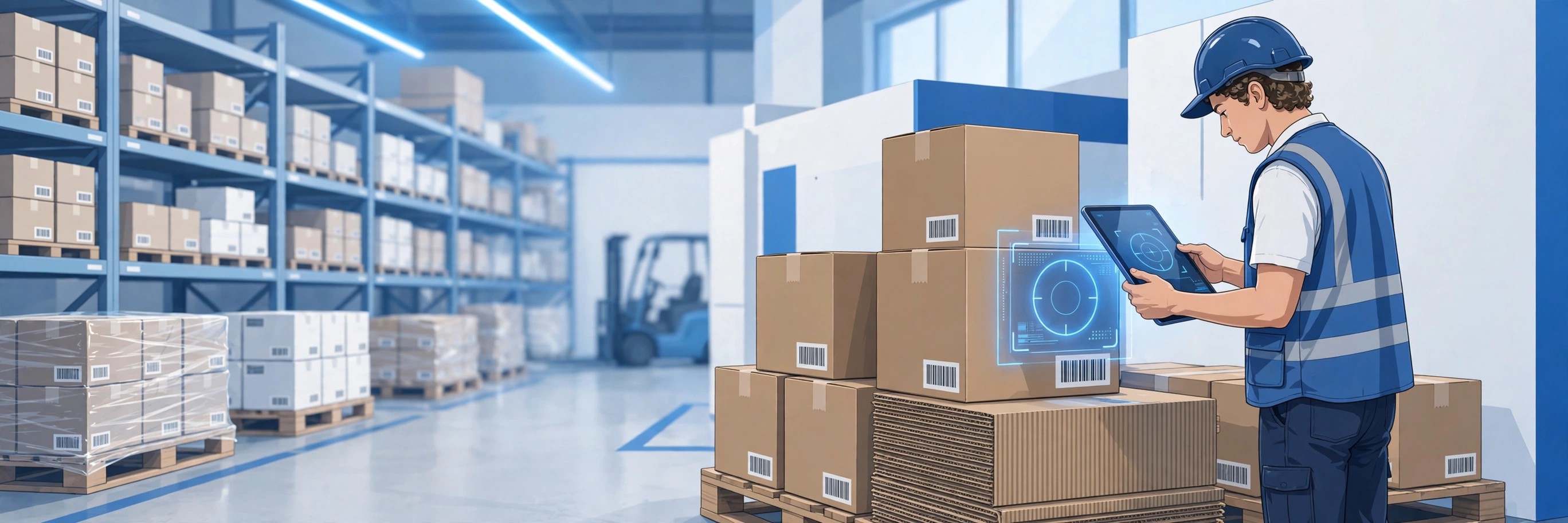
You've got a messy stockroom, clipboards with coffee stains, and someone's "system" is a spreadsheet named FINAL_v7_ACTUAL_FINAL_USE_THIS_ONE.xlsx. Here's how small businesses get real-time inventory tracking with Odoo's barcode scanning—without the enterprise price tag.
The Problem: Inventory Chaos Costs Real Money
Let me paint a picture I see every week. A small distributor with 2,000 SKUs. Three people doing cycle counts with printed sheets. The "system" is a shared Excel file that three people edit simultaneously, creating conflicted copies. Month-end takes two full days. Shrinkage is 4% and nobody knows why.
The owner knows they need a real system. They call SAP. Quote comes back: $500/user/month, $25,000 implementation, 6-month timeline. For a 10-person company, that's $60,000/year before they scan a single barcode. They stick with Excel.
This is the gap Odoo fills.
How Odoo Barcode Scanning Actually Works
Odoo's Inventory app includes barcode support in the core—not as a paid add-on. Here's the practical setup:
What you need:
- Odoo (free Community edition or paid Enterprise)
- Any smartphone or tablet with a camera
- Printed barcode labels (or use existing UPC/EAN codes)
- 30 minutes to configure
The workflow:
- In Odoo Inventory, enable barcode scanning in settings
- Print product labels with barcodes (Odoo generates these)
- Open the Odoo mobile app or the Barcode app on desktop
- Point your phone camera at a barcode—Odoo recognizes it instantly
- Confirm quantity, location, done. Stock updates in real time.
No dedicated scanners required. No middleware. No per-scan fees. The phone in your pocket is the scanner.
Real-World Setup: From Zero to Scanning in a Day
I've walked small businesses through this dozens of times. Here's the actual timeline:
Morning (2 hours): Install Odoo, configure your warehouse locations (even if "warehouse" means "the back room"), import your product list. Odoo accepts CSV imports—dump that Excel file in.
Midday (1 hour): Print barcode labels. Odoo has built-in label templates for standard Avery sheets. Stick them on bins, shelves, or products.
Afternoon (1 hour): Train the team. This is the part that surprises everyone—it's 15 minutes per person. Scan, confirm, done. If they can use a smartphone camera, they can do this.
Day 2: You're live. Receiving, picking, cycle counts—all via barcode.
Compare that to the enterprise timeline: requirements gathering (month 1-2), customization (month 3-4), testing (month 5), training (month 6), go-live with 40 open issues.
The Cost Comparison Nobody Wants You to See
Let's do honest math for a 10-person operation:
SAP Business One:
- Licenses: $500/user/month × 10 = $5,000/month = $60,000/year
- Implementation: $25,000–$75,000 one-time
- Annual maintenance: 20% of license cost
- Hardware scanners: $300–$800 each
- Year 1 total: $85,000–$140,000
Odoo Community (free):
- Licenses: $0
- Implementation: Your time or a consultant ($2,000–$5,000 for basic setup)
- Hardware: Phones you already own
- Barcode labels: $50 for a pack of Avery sheets
- Year 1 total: $50–$5,000
Odoo Enterprise (paid, if you want it):
- Licenses: ~$30/user/month × 10 = $300/month = $3,600/year
- Everything else same as Community
- Year 1 total: $3,650–$8,600
The Enterprise version adds nicer mobile apps and some advanced features, but the barcode scanning works identically in the free version.
What the Free Tier Actually Covers
Odoo Community's Inventory app includes:
- Barcode scanning (receiving, delivery, internal transfers, cycle counts)
- Double-entry inventory (every move is tracked, nothing disappears)
- Multiple warehouse locations
- Lot/serial number tracking
- Basic reporting (stock levels, move history, valuation)
What it doesn't include (and when you'd need Enterprise or a paid module):
- Advanced cross-docking
- Automated replenishment rules (basic version exists, advanced is Enterprise)
- Integrated shipping carrier labels (available via third-party modules)
For most small businesses doing under $5M in revenue, Community covers it. I've seen 50-person distributors run on it happily.
The Trade-Offs (Being Honest)
Odoo isn't perfect. Here's what to know:
Learning curve: Odoo does everything—CRM, accounting, inventory, HR, website. That breadth means the interface has more menus than a focused WMS. Budget a week for your team to get comfortable, not an hour.
Community support: The free version doesn't come with Odoo's support hotline. You're relying on community forums and documentation. For most barcode/inventory questions, the answers are there. For weird edge cases, you might need a consultant for an hour.
Upgrades: Major version upgrades (every October) can break custom modules. If you're running stock Odoo with no customizations, upgrades are smooth. If you've added third-party modules, test first.
Mobile app: The Community mobile experience is via the web browser, not a native app. It works fine for scanning, but it's not as polished as the Enterprise native app. For a warehouse worker scanning 200 items/hour, this matters. For a shop owner doing receiving twice a week, it doesn't.
When SAP Business One Actually Makes Sense
I'm not anti-SAP. Business One is the right choice when:
- You're doing $10M+ with complex multi-entity accounting
- You need deep integration with SAP's ecosystem
- You have IT staff to manage it
- Regulatory requirements demand specific audit trails
For a 10-person company tracking widgets in a warehouse? It's a Ferrari for grocery runs.
Getting Started: Your First Week
Day 1: Sign up for Odoo.com (free trial) or install Community on your server. Create your products.
Day 2: Set up locations. Even simple: "Receiving," "Main Stock," "Shipping."
Day 3: Print labels, do a test cycle count with your phone.
Day 4: Run receiving through Odoo for one shipment.
Day 5: Review the data. Check the inventory valuation report. Marvel at knowing your actual stock levels.
Week 2: Roll it out to the team. Keep the Excel file as backup for one week, then delete it ceremoniously.
Frequently Asked Questions
How does Odoo handle barcode scanning without extra fees?
Odoo's core Inventory app includes barcode operations out of the box. There's no per-scan charge, no scanner license, no add-on to purchase. The barcode interface is part of the standard Inventory module in both Community (free) and Enterprise.
Can I use Odoo for inventory without a big upfront cost?
Yes. Odoo Community is free and includes full inventory management with barcode scanning. Your costs are: your time to set it up, barcode labels ($50), and the devices you already own. Many small businesses are fully operational in under a week with zero software cost.
How does Odoo compare to SAP Business One for barcode scanning?
Both handle barcode scanning well. SAP B1 requires dedicated scanners ($300–$800 each), professional implementation ($25K+), and $500/user/month licensing. Odoo uses your phone camera, takes a day to set up, and costs $0 (Community) to $30/user/month (Enterprise). For basic to moderate warehouse operations, the scanning capability is equivalent.
What if I need more features later?
Odoo's modular design means you start with Inventory and add Sales, Purchase, Accounting, etc. as needed. The Odoo Apps store has thousands of modules—many free. If you outgrow Community, Enterprise is an upgrade, not a reimplementation. Your data and barcode setup carry over.
Do I need IT staff to run Odoo?
For basic inventory with barcode scanning: no. If you can set up a smartphone and print labels, you can run Odoo Community. For multi-warehouse with automated rules and integrations: a part-time consultant or one tech-savvy employee is enough. You don't need a dedicated IT department until you're significantly larger.
David Strausser is CEO of Dead Brands, LLC and Head of Sales (contracted) for Quaint Business Solutions — an ERP veteran of over a decade across SAP Business One and Odoo. Ex-General Manager (Northeast) at Vision33 and VP of Business Development at SEIDOR. Dad, guitarist, Eagles fan.