
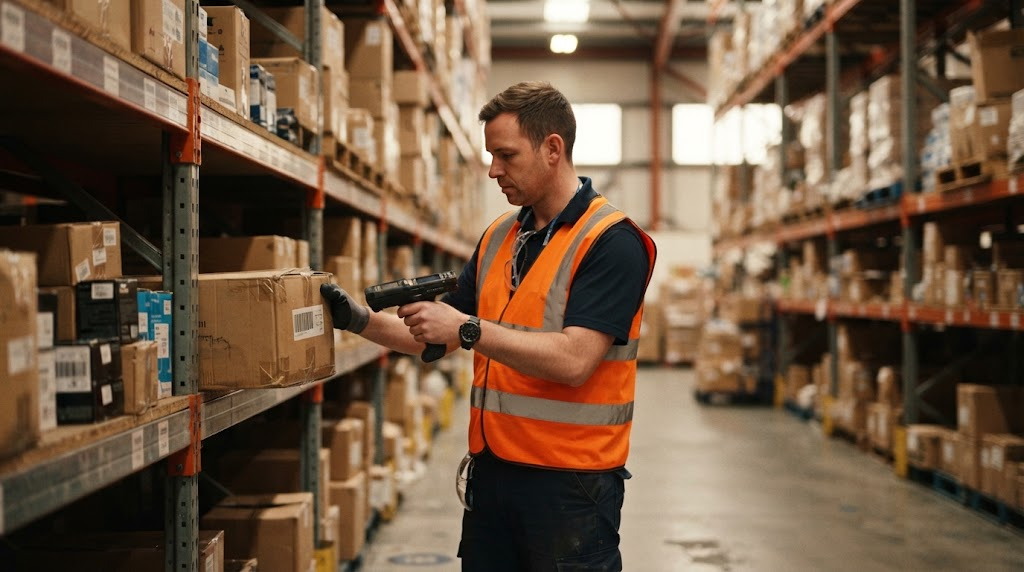
Your warehouse has a typing problem
Here's the thing nobody wants to admit: every time someone in your warehouse types an item code by hand, you're rolling dice. Fat-finger one digit on a pick and you've shipped the wrong $400 part to a customer who needed it yesterday. Now you're paying return freight, restocking, reshipping — and apologizing.
I've walked into warehouses doing $5M a year where the entire inventory system was one guy's memory and a label printer. It works until it doesn't, and when it doesn't, it's spectacular.
Barcode scanning fixes this at the root. Not with a $50,000 WMS. With a $30 scanner and the Odoo Barcode app you probably already own.
What you actually need
The shopping list is short:
- A scanner. Any USB HID scanner works — the $25-40 ones on Amazon are fine. Bluetooth if your team roams. Odoo doesn't care about brand; if it types characters when you scan, it works.
- The Barcode app. It's in your Odoo apps list. Install it, and your Inventory app grows barcode buttons on receipts, deliveries, and counts.
- Barcodes on your products. Odoo can generate these for you — internal references, EAN codes, whatever you use. Print them with a cheap thermal printer or even a regular laser printer on labels to start.
That's it. No integrator required. I've had clients go from zero to scanning in an afternoon.
The 30-day math
Let's be honest about the numbers. Say your team ships 100 orders a day and your pick error rate is 2% — that's actually good for a manual operation. Two wrong shipments a day. Each one costs you, conservatively: $15 return freight, 20 minutes of labor to fix ($8), and a customer who's now annoyed.
That's roughly $46/day in error cost, or about $1,000/month. Your scanner investment? Under $100. The payback isn't 30 days — it's more like a week. I say 30 days because I like being conservative with other people's money.
Setting it up without the headache
Start with receiving. In Odoo Inventory, open a receipt, hit the barcode button, and scan each item as it comes off the truck. Odoo matches the barcode to the product and increments the received quantity. Your team will get this in about ten minutes because there's nothing to learn — scan the thing, watch the number go up.
Next, picking. Odoo's barcode flow walks the picker through the warehouse: scan the location, scan the product, confirm the quantity. It won't let them pick from the wrong bin. That guardrail alone is worth the price of admission.
Then inventory counts. Cycle counting with a scanner turns a dreaded quarterly event into a 20-minute routine. Scan the shelf, scan the items, done. Discrepancies pop up immediately instead of hiding until year-end.
The mistakes I see every time
Printing barcodes but not using them everywhere. If receiving scans but picking doesn't, you've built half a system. Commit to the full flow.
Skipping the location barcodes. Products get all the attention, but bin/location barcodes are what stop your pickers from grabbing from the wrong shelf. Print them. Stick them up. Thank me later.
Buying the expensive scanner first. Start cheap. If your team destroys three $30 scanners in a year, THEN buy the ruggedized one — you'll know exactly what features you need.
Where this goes next
Once scanning is muscle memory, Odoo gives you the fun stuff: wave picking, putaway rules, replenishment triggers. But don't boil the ocean. Get receiving and picking bulletproof first. The fancy workflows can wait until the basics are boring.
Your warehouse doesn't need a typing problem. It needs a $30 scanner and an afternoon.
Frequently asked questions
Do I need special barcode scanners for Odoo?
No. Any scanner that acts as a keyboard (USB HID mode, which is the default for nearly all of them) works with Odoo's Barcode app. Bluetooth scanners work too — just pair them like any Bluetooth device.
Can Odoo print barcode labels?
Yes. Odoo generates product barcodes from internal references or EAN codes, and you can print them on any printer. A basic thermal label printer ($100-150) is the sweet spot for most small warehouses.
Does barcode scanning work with Odoo's mobile app?
Yes — the Odoo Inventory mobile experience supports the device camera as a scanner, and Bluetooth scanners pair directly with phones and tablets for shop-floor use.
What if my products don't have barcodes yet?
Odoo can auto-generate internal barcodes for every product. Print a label sheet, stick them on bins or products, and you're scanning the same day. You don't need manufacturer UPCs to start.