
Executive Summary
I've been doing Odoo implementations for small businesses for years, and every single time there's a pattern: companies try to force their broken processes into Odoo instead of fixing them first. They customize everything on day one before testing standard features. Data migration gets shuffled to the back of the queue. They skip training and hope users figure it out. And they go live with every module at once. The result? Chaos. This post covers exactly what I see every single time — and how to dodge each trap without blowing up your business.
Slow down at the start so you can speed up later. That's the whole secret.
[HERO IMAGE: the-odoo-implementation-mistakes-i-see-every-single-time.jpg — office paper chaos, the mess that walks in before the software does]
Lifting and shifting broken processes
In my experience, the first thing businesses do when they get an Odoo quote is lift and shift their broken processes into the system. "We'll just move our old way of doing things into Odoo." That's like trying to fit a square peg into a round hole.
What it looks like: salespeople manually enter orders into spreadsheets, then email them to accounting. Then they ask Odoo to replicate that exact flow — with custom fields for "spreadsheet" and "email."
Why it hurts: you get inconsistent data nobody trusts. Sales and accounting read different numbers. Orders fall through the cracks because the system doesn't really know they exist.
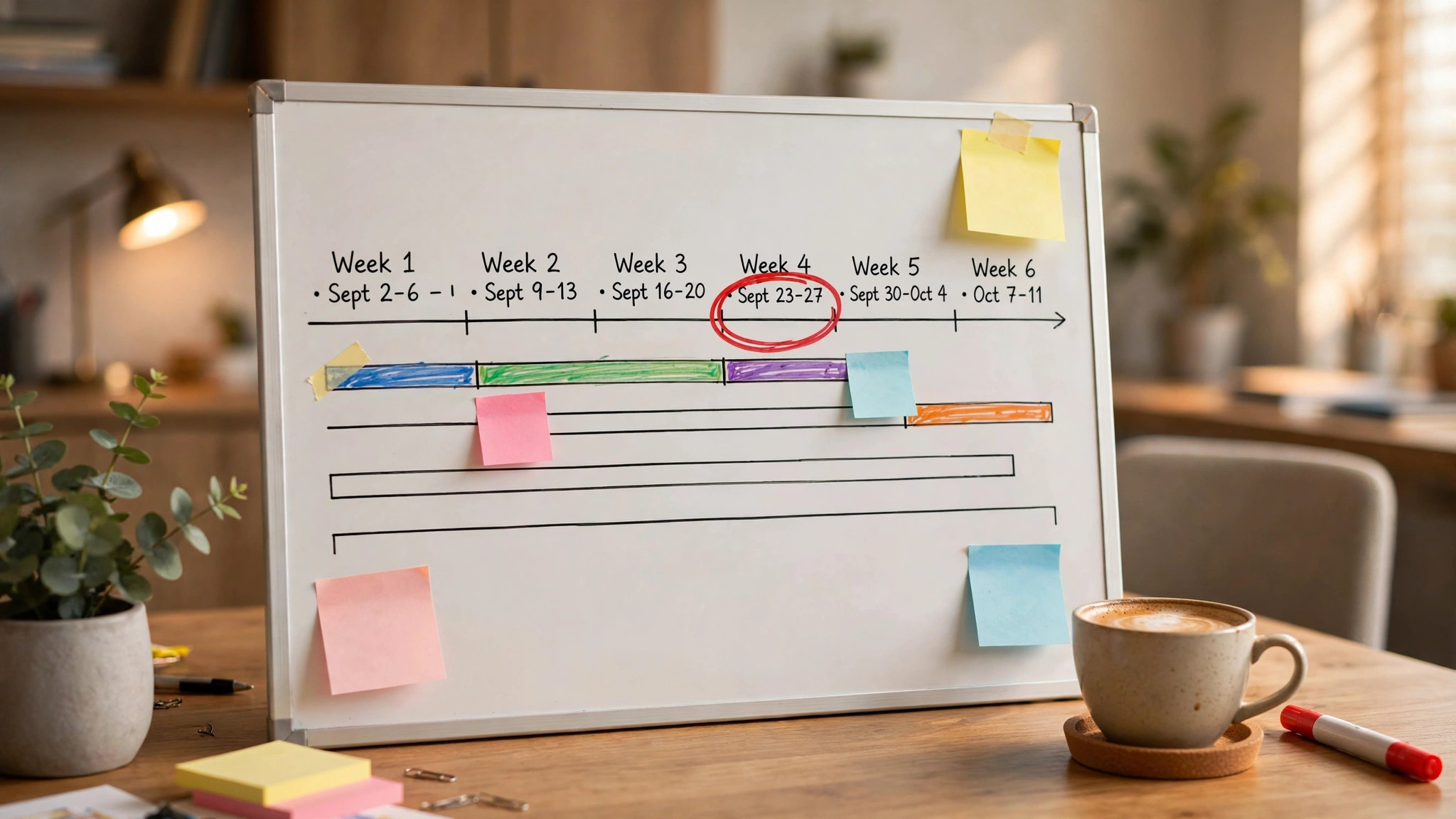
What to do instead: fix the process before you touch the software. Take one workflow — order entry, say — make it sane in the real world, then let Odoo support the fixed version. SAP Business One shops hit this same wall, by the way. This mistake isn't Odoo-specific. Any ERP will happily automate your mess; Odoo just lets you make the mistake faster and cheaper.
Customizing everything on day one
Here's what I see: businesses jump into Odoo and start customizing fields, reports, and workflows before they've even tested what ships in the box.
What it looks like: a custom client form with fields for "emergency contact" and "preferred payment method" on week one, because someone decided standard wasn't good enough.
Why it hurts: early customization means bugs, upgrade pain, slower performance, and users who never learn the standard flow underneath. Every custom field is a small mortgage on your future upgrades.
What to do instead: live with standard for a few weeks. Run real transactions through it. Then customize the gaps that actually hurt — not the ones you imagined in a conference room. Same rule applies on SAP Business One, where the SDK tempts people into custom objects on day one. Standard first, custom later. Universal law.
[IMAGE 2: the-odoo-implementation-mistakes-i-see-every-single-time-img2.jpg — jammed printer spitting paper, the custom-everything tax in physical form]
Data migration as an afterthought
In my experience, data migration gets treated like packing for a move — something you'll "get to" the night before. Businesses plan to import years of spreadsheet history at the last minute.
What it looks like: a Friday-afternoon CSV dump of messy, duplicated, half-labeled data, loaded hours before go-live.
Why it hurts: you go live with errors baked in on day one. Sales sees one inventory number, accounting sees another, and trust in the new system dies in the first week.
What to do instead: start data cleanup early — like, during discovery, not during hypercare. Migrate in phases, validate with a small group of real users, and reconcile before you flip the switch. Clean data is the cheapest implementation insurance there is.
No internal champion, no training
Here's what I see: the owner gets a "Odoo is live!" email, nobody gets trained, and there's no internal person who owns the system. Then everyone quietly goes back to spreadsheets.
What it looks like: users clicking around, getting stuck, asking nobody, and building shadow processes within a month.
Why it hurts: an ERP nobody uses is just an expensive database. Adoption is the whole game, and adoption comes from humans, not software.
What to do instead: name your internal champion before the project starts — a manager or sharp operator who learns it first and becomes the go-to. Train in role-based sessions, not one giant "Odoo overview" nobody remembers. And budget training like it's part of the license, because it is.
[IMAGE 3: the-odoo-implementation-mistakes-i-see-every-single-time-img3.jpg — desk buried in sticky notes and printouts, what "no training" looks like from above]
Big-bang go-live with every module
In my experience, the biggest mistake is flipping the switch on everything — sales, inventory, accounting, purchasing — all on the same Monday.
What it looks like: fifty confused users, a help queue from hell, and a system groaning under transactions nobody tested end to end.
Why it hurts: when everything breaks at once, you can't tell which module caused it. Rollback becomes impossible. Morale craters.
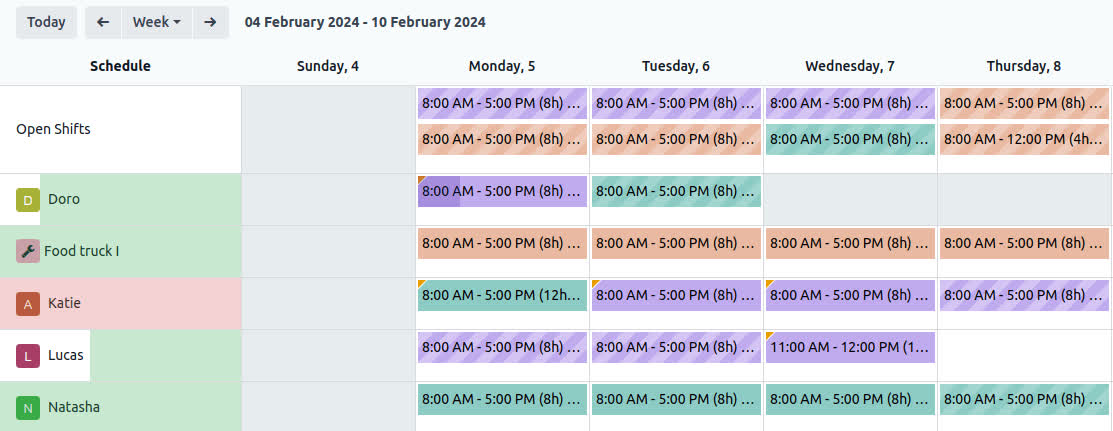
What to do instead: phase it. Start with one module — usually sales or inventory — stabilize it, then layer in the next. Each phase teaches you something that makes the next one smoother. Boring? Yes. Effective? Every time.
The pattern underneath
Notice the thread: every one of these mistakes is about rushing. Rushing past process design, rushing past standard features, rushing past data cleanup, rushing past training, rushing the go-live. Odoo rewards patience and punishes haste — which, honestly, describes every ERP I've ever touched, SAP Business One included.
Slow down at the start so you can speed up later. That's the whole secret.
David Strausser is a business development executive at Dead Brands LLC, specializing in ERP solutions — SAP Business One and Odoo — for small and mid-sized businesses.
Book a working session at deadbrands.co and let's dodge these mistakes together.
P.S. — Dead Brands merch: "Fix the process first" tee. Wear it to your next implementation meeting. Instant credibility.
#Odoo #ERP #SmallBusiness #ERPImplementation #BusinessSystems