Why Most Pipeline Stages Are Garbage
Salespeople hate their CRM for one main reason. The stages do not match reality. You talk to a prospect on Tuesday. By Friday you have sent a proposal and scheduled a demo. The system wants you to click "Qualification" then "Needs Analysis" then "Proposal Sent" like some robot. Nobody sells that way. You qualify while you are building rapport. You discover needs during the demo. The stages fight you instead of helping you.
I have been selling ERP systems for years. The best pipeline is the one that reflects the actual conversations you have. When the stages match your real process, two things happen. You stop fudging the data to make the forecast look good. And leadership actually gets an accurate picture of what is in the pipe. Odoo makes this easy because you can customize the stages without calling in a developer or paying extra.

The Stages I Actually Use
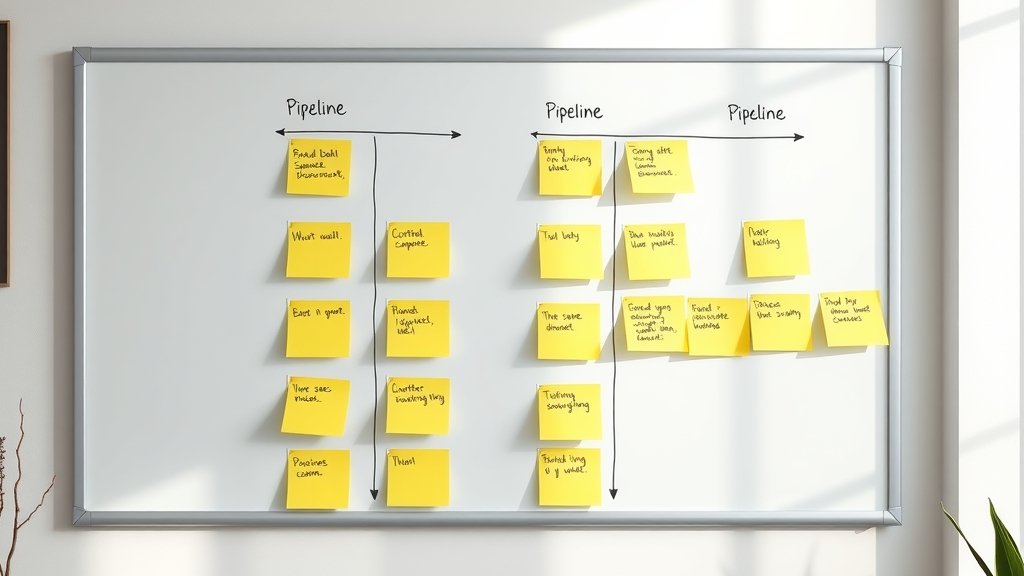
Here is the pipeline I run in Odoo. It is simple on purpose. Six stages that follow the natural rhythm of a deal.
- New Lead – Someone filled out a form, replied to an email, or got referred. No conversation yet. This is the top of the funnel. I drop them here and assign a quick task to make first contact within 24 hours.
- Initial Conversation – We have talked on the phone or Zoom. I know their name, their company size, and whether they have a real pain point. This stage ends when I have scheduled the next meaningful step.
- Discovery & Demo – The meat of the sale. We dig into their current processes, show the software live, and map Odoo to their specific workflow. By the end of this stage I know if they are a good fit and they know what working with us looks like.
- Proposal & Negotiation – The quote is sent. We are talking price, timeline, implementation scope, and any last objections. This is where deals can stall for weeks. The stage keeps me honest about momentum.
- Contract & Onboarding Prep – They have verbally said yes. Contracts are out. We are aligning on kickoff dates and who needs to be involved from their side. Money is not in the bank yet, but it is close.
- Closed Won – Check is cleared or invoice is paid. They are officially a customer. I move them out of the sales pipeline and into the implementation project in Odoo.
These stages are not theory. I close deals with them every month. They match the rhythm I actually follow instead of some perfect textbook flow.
How to Set These Up in Odoo
Setting this up takes ten minutes. Go to your CRM app, click Configuration, then Pipeline Stages. Delete the defaults that do not fit. Add the six I listed above in order. Give each one a probability percentage that feels right for your average deal.
I set mine like this: New Lead 10%, Initial Conversation 25%, Discovery & Demo 50%, Proposal & Negotiation 75%, Contract & Onboarding Prep 90%. Closed Won is 100% and moves the deal to the won column automatically.
Turn on the probability column so it shows on every card. This keeps the forecast honest without forcing you to update ten different fields every time a deal moves.
If you are weighing this for your own shop, here is how I help teams get Odoo running right.
One Stage That Saves My Forecast Every Quarter
The stage I added last year that made the biggest difference is a hidden one I call "Stalled." It lives between Proposal & Negotiation and Contract. When a deal goes quiet for more than ten days I drag it there. The probability drops to 30%. Leadership sees it immediately. It forces me to either re-engage the prospect or admit it is dead.
Most teams do not have this. They let deals sit in "Negotiation" for months and pretend the forecast is healthy. Stalled keeps the pipeline clean. It also gives me a weekly list of deals that need a gentle nudge or a polite goodbye.
Keeping Your Pipeline Honest Week After Week
A good pipeline is not set it and forget it. Every Monday I spend twenty minutes reviewing every card. I ask myself one question per deal: What is the next concrete step that has to happen for this to move forward? If I cannot name it, the deal goes to Stalled.
Odoo lets you add activity deadlines to each stage. Use them. When a deal sits too long without an activity, it turns red on the kanban view. That visual cue is worth more than any fancy report.
Train yourself to move cards the same day the conversation happens. Do not wait until Friday to update everything. Real-time movement gives you real-time visibility. Your manager will thank you, and your forecast accuracy will jump.
Make the Tool Work for You, Not the Other Way Around
The best advice I can give any ERP salesperson is simple. Customize the system until it feels like it was built for your process. Odoo was designed for that. Do not be afraid to change labels, add or remove stages, or adjust probabilities until they match your close rates.
Your pipeline should feel like a map of your actual sales conversations. When it does, updating it stops feeling like homework. It becomes a useful tool that helps you close more deals and sleep better at night.
Frequently Asked Questions
How many stages should I have in my Odoo CRM pipeline?
Keep it between five and seven. More than that and you will spend your life clicking instead of selling. Fewer than five and you lose the ability to see where deals are really hanging up. My six-stage version has worked for years because each stage matches a real milestone in the sales conversation.
Can I change pipeline stages after I have already closed deals in Odoo?
Yes. Odoo lets you edit stages without losing historical data. The closed deals keep their original stage labels for reporting, but new deals will follow the updated flow. I have reworked my pipeline twice and never lost any history or messed up my win-rate numbers.
What probability percentages work best for ERP sales deals?
Start with 10% for new leads, 25-30% after the first call, 50% once you have done a proper demo, 75% when the proposal is out, and 90% once they have signed intent. These are not perfect science. Adjust them after three months based on how many of your deals actually close from each stage.
Should I use the same pipeline stages for every product I sell?
No. If you sell both simple add-on modules and full ERP implementations, create two pipelines. Odoo lets you assign different pipelines to different sales teams or product lines. A short-cycle deal for a single app should not sit in the same long discovery stage as a six-figure manufacturing rollout.