
The annual panic (and why it happens)
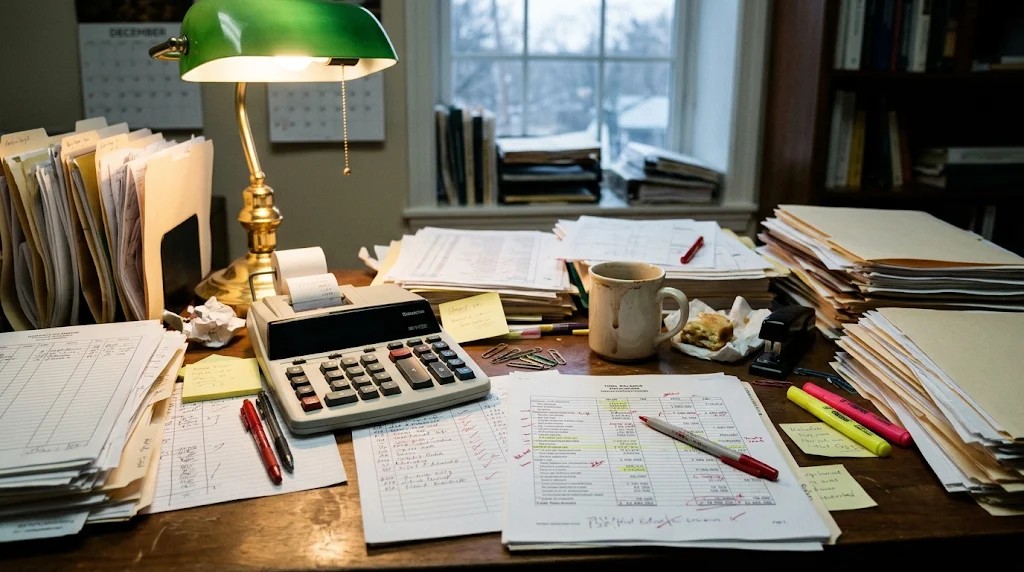
It's March. Tax season is here. The CPA sends the document request list -- the same list they send every year -- and the business owner opens Odoo for the first time since last March, exports a year's worth of unreviewed transactions, and writes an apologetic email.
The CPA then spends billable hours doing archaeology: figuring out what that $4,200 expense in November was, why there's a negative balance in a clearing account, whether that "loan" to the owner was actually a distribution. Every hour of archaeology is an hour you're paying CPA rates for work a 20-minute monthly review would have prevented.
The tragedy is that Odoo had everything organized all along. Nobody looked. These are the reports that change that.
1. Aged receivables: who owes you money and for how long
In Odoo: Accounting -- Reporting -- Aged Receivable.
This report buckets every unpaid customer invoice by age: current, 30 days overdue, 60 days, 90+ days. It's the single most underused report in Odoo, and it's the one your CPA asks about first -- because uncollected receivables are where small businesses quietly bleed to death.
Here's what I tell every client: run this on the 1st of every month, no exceptions. Anything sitting in the 60+ day column gets a phone call that week -- not an email, a phone call. Emails get ignored or "lost." Phone calls get paid. Companies that run this report monthly and act on it collect 15-20% faster than companies that "get around to it quarterly." That's not a software feature -- that's a habit the software makes almost effortless.
The 90+ day column is where you find the real stories: the customer who went quiet in October, the invoice that's been "in their AP process" for four months, the dispute that nobody documented and everyone forgot. Every 90+ day balance represents a conversation you should have had two months ago, and every month you wait, the collection probability drops. Industry data says invoices over 90 days past due have roughly a 70% collection rate. Over 120 days? Closer to 50%. Time literally costs money here.
Your CPA cares because uncollectible receivables may need to be written off, and the timing of write-offs affects your tax picture. Bring them a clean aging with notes, and tax season gets shorter.

2. Aged payables: who you owe (and when to pay them)
In Odoo: Accounting -- Reporting -- Aged Payable.
The mirror image, and almost as neglected. This buckets every unpaid vendor bill by age. Why does it matter? Three reasons: cash flow planning, early-payment discounts you're leaving on the table, and late-payment damage you're absorbing without noticing.
That 2/10 net 30 term on your biggest supplier's invoices? That's a 2% discount for paying 20 days early -- which annualizes to roughly 36%. There is no investment you can make with a 36% annualized return and zero risk. But you only capture it if you know which bills have discount windows closing this week, and that's exactly what the aged payable report tells you.
On the flip side: the 60+ day payable column shows where you're damaging vendor relationships. Late payments don't just incur fees -- they move you to the back of the line when supply gets tight, they kill your negotiating leverage, and in some industries, vendors report payment behavior. Your CPA wants this clean because accrued liabilities need to be accurate for the balance sheet, and "we think we owe roughly..." isn't a number.
3. The general ledger drill-down: your financial X-ray
In Odoo: Accounting -- Reporting -- General Ledger.
Most owners never open the general ledger because it looks intimidating -- every account, every transaction, pages of numbers in small type. But Odoo's version has a superpower: click any number and drill straight down to the source journal entry. That vendor bill that looks wrong? Click it. See the bill, the vendor, the date, the scanned attachment. Thirty seconds from "huh, that's odd" to "oh, that's what happened."
I use this with clients during month-end close as a matter of routine. We scan the P&L together, and anything that looks off, we click through to the ledger. Nine times out of ten, it's a miscategorized expense (office supplies coded to cost of goods, which distorts gross margin) or a duplicate entry (the bill entered twice because two people didn't coordinate). Fixed in two minutes, on the spot.
Without the drill-down habit, those errors sit there for months until the CPA finds them in April and bills you $250/hour for the archaeology. With it, your books are clean every month, and the CPA's job is review, not excavation. That difference shows up directly on their invoice.
Run it monthly, filtered to revenue, COGS, payroll, and your biggest expense categories. Click the numbers that look weird. That's the entire technique, and it catches almost everything.
4. The P&L you review monthly (not annually)
In Odoo: Accounting -- Reporting -- Profit and Loss.
Everyone knows the P&L. Almost nobody reads it monthly. The annual P&L is a history book -- interesting, but you can't change what already happened. The monthly P&L is a dashboard -- it tells you what's happening while there's still time to do something about it.
The trick is comparison, and Odoo does this natively: this month versus last month, this quarter versus last quarter, this year versus last year, side by side. The numbers that moved are the story. Revenue up 12% but gross margin down 4%? Your costs are growing faster than your sales -- that's a pricing or efficiency conversation to have now, not a surprise to discover in April. Payroll up 18% quarter over quarter with flat revenue? Either you're investing ahead of growth (fine, if intentional) or you're drifting (not fine).
I tell every client the same thing: 20 minutes, first Monday of the month, coffee in hand. Open the P&L with prior-period comparison. Write down the three numbers that moved the most. Ask "why?" about each one. That's a finance function. It costs 20 minutes a month, and it replaces the annual panic with twelve small, calm check-ins.
Your CPA will notice the difference immediately. Clean monthly-reviewed books mean their tax prep is assembly, not archaeology. Some CPAs will even tell you -- mine did -- that clients who do this get faster turnarounds and lower bills, because the hard work is already done.
5. The balance sheet: the report everyone ignores
In Odoo: Accounting -- Reporting -- Balance Sheet.
The balance sheet gets ignored because it doesn't feel actionable -- it's a snapshot, not a movie. But it's the report that catches the structural problems: the negative cash balance hiding in an overdraft, the loan that's been misclassified for two years, the inventory valuation that hasn't been adjusted since 2023.
Run it quarterly. Look for anything negative that shouldn't be negative, anything that hasn't moved in a year (stale balances are usually errors), and compare total assets to total liabilities -- the trend tells you whether the business is getting stronger or just getting bigger.
The bottom line
Your CPA doesn't need you to become an accountant. They need five reports, run on a rhythm, taking less than an hour a month total. Odoo already has all of them -- two clicks away, every one, and they've been sitting there the whole time waiting for someone to look.
Tax season stops being a fire drill the moment you stop saving all the reading for April. Twelve calm monthly reviews beat one panicked annual excavation every time -- for your stress, your CPA's invoice, and your actual understanding of the business you're running.
Frequently asked questions
Which Odoo reports does my CPA actually need?
Five, all under Accounting > Reporting: aged receivables, aged payables, the general ledger, a monthly P&L with comparison, and the balance sheet.
How often should I run aged receivables?
Monthly, on the first. Anything 60-plus days old gets a phone call that week — invoices past 90 days collect at roughly 70%, past 120 closer to 50%.
Why does the general ledger drill-down matter?
Clicking any number lands on the source journal entry in seconds. Errors the CPA would bill you to excavate in April get fixed in two minutes at month-end instead.
What makes a monthly P&L review useful?
Comparison: this period against the last. Note the three numbers that moved most, ask why about each. Twenty minutes replaces the annual panic.