
Why Bank Sync Matters for Most of Us
Running a business means money moves fast. Customers pay at weird hours. Vendors hit you with surprise fees. The last thing you need is another hour every week matching bank lines to invoices by hand. Odoo Bank Sync pulls those lines in automatically so your books stay closer to reality in real time.
I started using it years ago when my own shirt shop was growing faster than my ability to keep up with QuickBooks. The difference was immediate. No more Monday morning dread of last week’s deposits. The system flags what it can match and leaves the rest for me. That alone saved me from a lot of errors and a lot of takeout dinners while I caught up on books.
The real value is not the technology. It is the time it gives back. Time I now spend with my son instead of hunting for a missing $47.23. For any small business owner wearing too many hats, that trade is worth it.
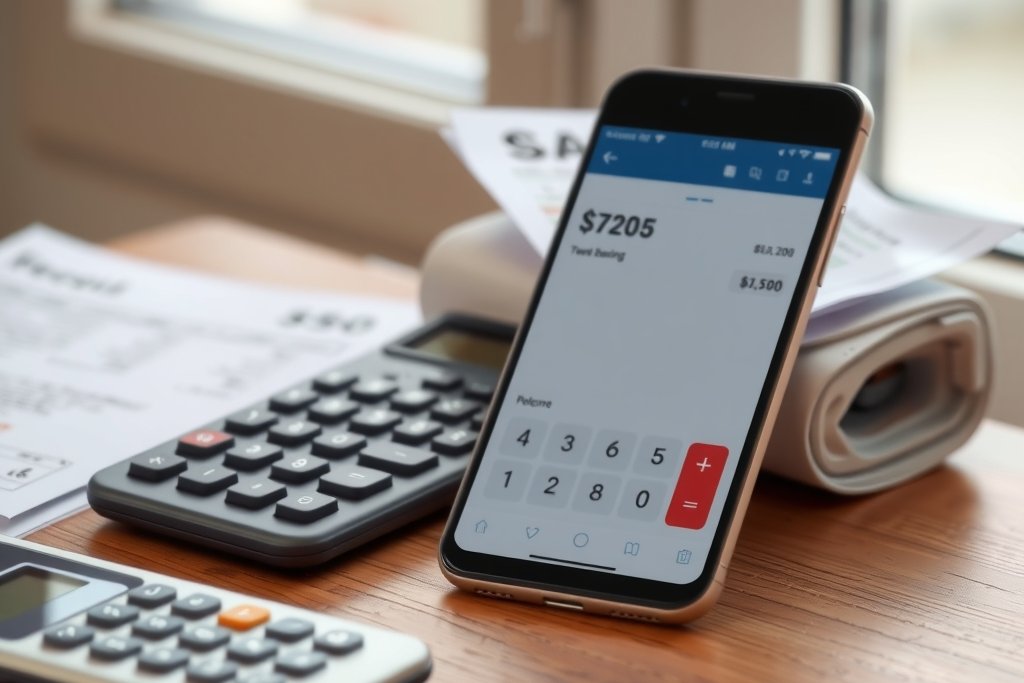
What Odoo Bank Sync Actually Fixes
It eliminates the boring data entry that used to eat my afternoons. Every ACH deposit, wire, and most debit card charges land in Odoo within 24 hours in most cases.
It cuts reconciliation time dramatically. Instead of scrolling through two windows trying to match things, you see suggested matches right there. Click accept and move on.
It reduces errors. When you are not typing amounts manually you stop transposing numbers. My month-end close used to take three days. Now it is usually one long morning if I stay on top of it during the month.
It makes cash flow visible. Because the bank data is fresh, my dashboard actually tells the truth about available money instead of showing last week’s version of reality.
It helps with audit trails. Every imported line carries the bank reference so when the accountant asks “where did this come from” the answer is two clicks away.
What It Still Does Not Solve
Bank Sync is not a set-it-and-forget-it button. It will not magically categorize your transactions. A charge from “AMAZON” could be office supplies, inventory for the shirt shop, or my son’s birthday present. You still have to tell it what bucket to use.
It does not handle every bank perfectly. Some smaller credit unions still have spotty connections. When the feed breaks you are back to manual import until support gets it fixed.
It cannot read your mind on transfers between accounts. Moving money from checking to savings shows up as two separate lines. You have to tell Odoo they belong together or your books will look like you lost money.
It does not fix bad habits. If you wait until the end of the month to review everything, you will still feel overwhelmed. The tool rewards people who touch it a couple times a week.
Finally, it does not replace an accountant. The system is only as good as the rules and categories you set up. Garbage in, garbage out still applies.
How to Set Up Bank Sync the Right Way
Here is the exact sequence I give every client so they do not create chaos on day one.
Pick the right bank. Check Odoo’s list of supported institutions first. If yours is not on it, plan on using CSV uploads instead.
Connect the account inside Odoo under Accounting > Configuration > Banks. Follow the OAuth flow. Do not skip the test transaction step.
Set your default journal. Make sure the bank journal is configured with the correct currency and starting balance. Wrong starting balance is the number one reason new setups look broken.
Turn on auto-reconciliation rules. Start simple. Create rules for recurring items like rent, payroll, and your biggest vendors. Test them on two weeks of real data before you trust them.
Schedule a daily review. Block fifteen minutes on your calendar. Open the bank feed, match what you can, create missing partners or categories, and move on. Consistency beats perfection.
Reconcile weekly. Do not let unmatched lines pile up. The longer they sit, the harder they are to remember.
Do these steps in order and you will avoid the common trap of importing three months of data and then spending a weekend trying to clean it up.
If you are weighing this for your own shop, here is how I help teams get Odoo running right.
Common Setup Mistakes I See Every Month
People connect the bank but never set up matching rules. Then they wonder why nothing auto-reconciles.
Another big one is importing before they have their chart of accounts cleaned up. Old unused accounts make the dropdowns messy and people pick the wrong one.
Some users forget to map payment methods. A credit card charge and an ACH look the same to the bank but they post differently in your books. Set those mappings early.
The worst mistake is treating every imported line as gospel. Banks sometimes show pending charges that disappear. Always verify big numbers before you mark them reconciled.
Making Bank Sync Work for Your Business
The trick is to treat it like a helpful employee, not a replacement for thought. Use it to handle the obvious stuff so you can focus on the weird transactions that actually need your brain.
In my shirt shop I have rules that auto-categorize every order from our print supplier and every deposit from Shopify. That covers about sixty percent of volume. The remaining forty percent I touch once or twice a week. That rhythm keeps my books clean without becoming a full-time job.
Start small. Connect one account. Set up three rules. Reconcile for two weeks. Then add the next account. Slow and steady keeps the system trustworthy.
When it is working well you will notice something nice. You stop worrying about whether the books are current. That peace of mind is worth more than the time saved, especially when you are a single dad trying to make it to every basketball game.
Frequently Asked Questions
How often does Odoo actually pull new bank transactions?
Most connected banks update once per day, usually overnight. Some larger banks refresh multiple times during the day. Set your expectation at daily and check first thing in the morning. If you need real-time data for high-volume retail, you will still need to supplement with manual entry for the newest charges.
Can I use Bank Sync if my bank is not on Odoo’s supported list?
Yes, but you will use the CSV import function instead of live sync. Download your bank statement once a week, upload it, and let Odoo map the lines. It is more work than live sync but still faster than typing everything. Many regional banks fall into this category.
What happens when a transaction gets imported twice?
Odoo tries to prevent duplicates using the bank reference number, but it is not perfect. If you see the same line twice, reconcile one and cancel the other. Then create a simple rule so the system learns that particular reference should only appear once. It gets smarter the longer you use it.
Do I still need an accountant if I use Bank Sync?
Absolutely. The tool handles data entry. Your accountant makes sure the categories are correct, the tax implications are handled, and nothing sneaky is hiding in the “miscellaneous” bucket. Think of Bank Sync as the fast typist and your accountant as the editor. Both jobs matter.