Batching the boring stuff: How I reset my Odoo chaos on Sundays
November 27, 2026 at 6:00 AM ET · 4 min read · by David Strausser
The 45-minute checklist, in order
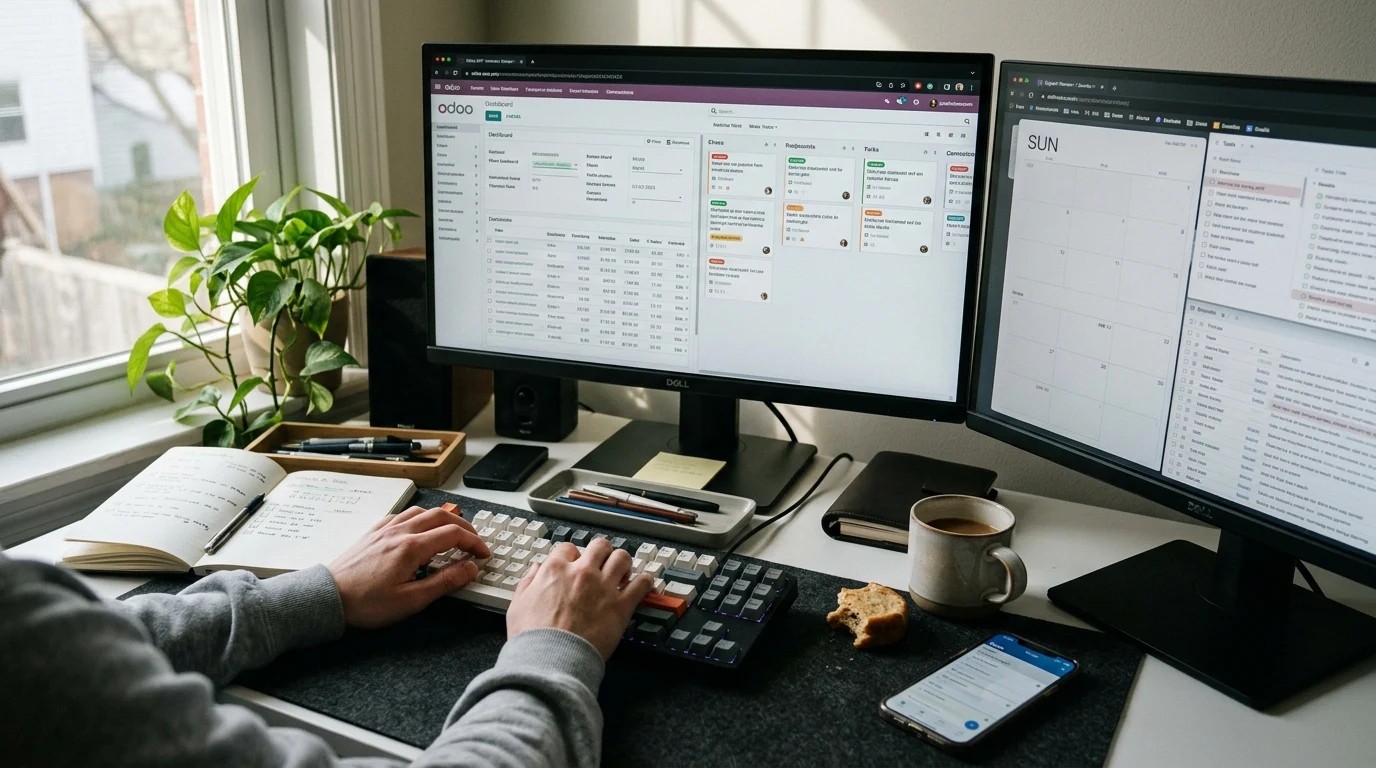
People ask what the routine actually looks like, so here it is, in the order I run it. First five minutes: I open the dashboard and read the numbers I would normally check three times a day, once, slowly. Open orders, late invoices, low stock warnings. Anything on fire gets handled now; everything else waits its turn.
Next ten minutes are data cleanup. I pull the report of records nobody has touched in six months: dead contacts, duplicate vendors, products with no movement. Most of them get archived, not deleted. Archiving is reversible, and reversible is the whole point of a Sunday task. If a cleanup step cannot be undone, it does not belong in the batch.
Then updates. I check what Odoo wants to update, read the notes like an adult instead of clicking through, and apply the small stuff. Anything that touches accounting or inventory logic gets parked for a weekday, when I can watch it land and fix it with a clear head.
Backups come last, and they are the one step I never skip. A backup you have not verified is a rumor, so I confirm the file exists and the timestamp is fresh before I close the laptop. Forty-five minutes, give or take, and the system is cleaner than it was on Friday.
The rule that makes all of this work is boring on purpose: the batch is for maintenance, never for projects. The moment a Sunday session turns into building something new, it stops being a reset and starts being a second job. Maintenance ends on time. Projects do not.
Frequently asked questions
How do I know if batching is right for me?
If your ERP tasks take more than 30 minutes daily, batching can save you time.
What’s the biggest risk of batching?
Overlooking critical tasks. Always run a quick sanity check before batching.
Can I do this with SAP Business One?
Not really. SAP’s batch processing is automated but less flexible for small teams.
What should never go in the Sunday batch?
Anything irreversible or financial. Module changes that touch accounting, tax settings, and opening balances wait for a weekday, when you can watch the result and fix problems with a clear head.
David is CEO of Dead Brands, LLC and Head of Sales
(contracted) for Quaint Business Solutions — an ERP
veteran of over a decade across SAP Business One and
Odoo. Ex-General Manager (Northeast) at Vision33 and
VP of Business Development at SEIDOR. Dad, guitarist, Eagles fan.
See why so many small businesses are ditching a dozen disconnected apps for one platform. Spin up Odoo and kick the tires yourself — no credit card, no sales call required.