
The problem with app stores
Odoo has thousands of apps. That's the selling point and the trap. Most companies install forty apps on day one, use six of them, and spend the next year untangling the mess. I've watched it happen. The implementation partner smiles, the invoice grows, and the team quietly goes back to spreadsheets because nobody knows which app does what anymore.
Here's my rule: if you can't explain what an app does in one sentence, you don't need it yet. Start small. Add apps when someone on your team says "I wish the system could do X" and you realize Odoo already can, you just haven't turned it on.
The day-one eight
1. CRM. This is non-negotiable. Every lead, every conversation, every follow-up lives here. If your salespeople are tracking deals in their heads or in a shared spreadsheet that nobody updates, you're leaking money. Odoo's CRM is simple: pipeline stages, activities, and reminders. Turn it on first because every dollar your company makes starts as a lead someone forgot to follow up on.
2. Sales. Quotations, orders, upsells. The Sales app turns a CRM opportunity into a real quote with real line items, then into a confirmed order with one click. Your sales team stops retyping customer info into Word documents. Your customers get professional quotes fast. Speed wins deals, and this app is pure speed.
3. Invoicing. You did the work. Now get paid. Odoo's Invoicing app generates invoices from sales orders automatically, tracks who owes you what, and nags late payers so you don't have to. For a 20-person company, this alone replaces whatever manual billing process is currently held together by one person's memory and a prayer.
4. Inventory. If you sell physical things, you need this on day one. Not month three. Day one. Odoo tracks every unit from receiving to delivery. Without it, you're guessing at stock levels, overselling, and disappointing customers. The companies that skip inventory setup always end up doing an emergency implementation six months later when the spreadsheet finally lies to them at the worst possible moment.
5. Purchase. The flip side of sales. When inventory runs low, Purchase generates requests, sends RFQs to vendors, and tracks what's on order. It closes the loop: you sell it, the system knows you need more, and the order goes out before you run dry. Manual purchasing at 20 people means someone's entire job becomes checking stock and emailing suppliers. Automate it.
6. Project. If you deliver services, run implementations, or do any work that has a start date and an end date, you need Project. Tasks, deadlines, timesheets, and profitability per project. Without it, you have no idea which clients make you money and which ones are quietly draining your team. That's not a feeling you want to discover at year end.
7. Employees. Twenty people means HR is someone's side job. The Employees app keeps contracts, time off, and basic records in one place. It's not a full HR suite, and you don't need one yet. But when someone asks "how many vacation days do I have left" and the answer is in someone's inbox from March, you have a problem this app solves in ten minutes.
8. Website. Your website is your storefront, your brochure, and your credibility check. Odoo's Website builder won't win design awards, but it gets you a professional site that connects to your CRM, your products, and your contact forms. A lead fills out a form on your site and lands directly in your pipeline. No copy-paste, no lost leads.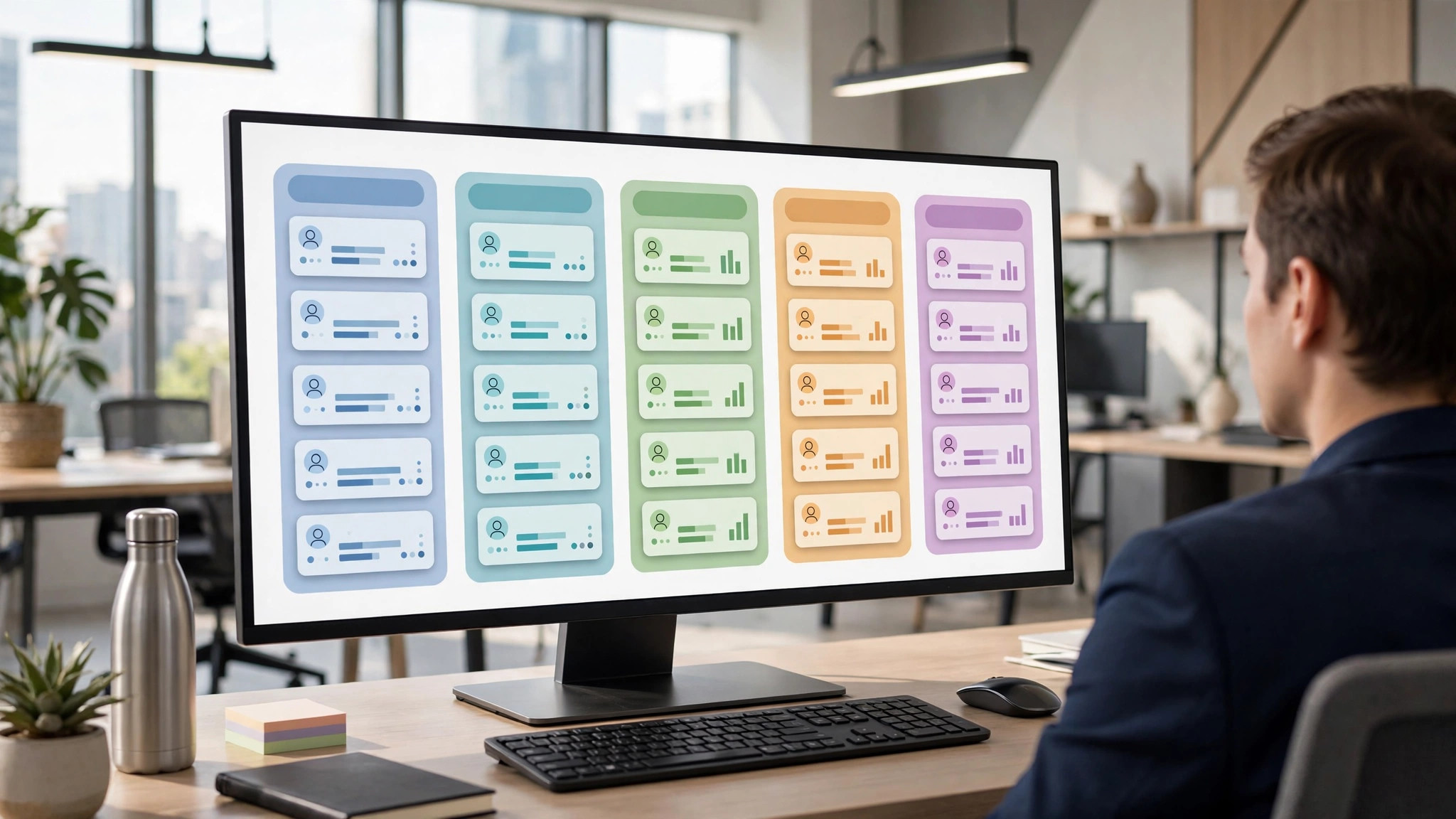
What I'd skip (for now)
Email Marketing. Great app, wrong time. Until you have a list worth emailing and someone to write the emails, it's a shiny distraction. Turn it on when marketing becomes someone's actual job.
Manufacturing (MRP). If you're not making things, skip it. If you are making things, you probably already know you need it, and it's not a day-one install anyway. MRP deserves its own planning conversation.
Field Service. Only if you have techs going to customer sites. Most 20-person companies don't yet.
Helpdesk. Tempting, but at 20 people your support is probably email and phone. Add Helpdesk when ticket volume gets unmanageable, not before.
Studio (customization). This is the big one. Do not customize on day one. Use Odoo the way it works out of the box for at least 90 days. Every customization is a future upgrade headache. Learn the standard flows first, then customize the parts that genuinely don't fit.
The order matters
Install them in the order I listed. CRM before Sales, Sales before Invoicing, because that's how money flows through your business. Inventory and Purchase go together because stock in and stock out are two sides of the same coin. Project, Employees, and Website round it out.
Each app takes an afternoon to configure if you know what you're doing, a week if you're figuring it out. Don't try to do all eight in one day. One app per day, tested with real data, beats eight apps configured in a rush that nobody trusts.
The real day-one advice
The apps are the easy part. The hard part is getting your team to actually use them. Pick one person to own the rollout. Give them authority to say "we do it in Odoo now." And accept that the first two weeks will be slower while everyone learns. Week three is when it pays off, and it pays off every week after that.
Twenty people is the sweet spot for Odoo. Big enough that spreadsheets are breaking, small enough that you can still change how everyone works. Don't waste that window.
FAQ
Do I need Odoo Enterprise or is Community enough?
For these eight apps, Community covers most of it. Enterprise adds the Studio customizer, better support, and some advanced features. Start with what fits your budget; you can upgrade later without reinstalling.
Can I install these myself or do I need a partner?
You can install them yourself. Configuring them correctly for your business is where a partner earns their fee. If your processes are simple, DIY is fine. If you have complex inventory or multi-company needs, get help.
How long does a day-one setup actually take?
The installs take minutes. Configuration takes one to two weeks for all eight apps if someone owns it full-time. Data migration from your old systems is the wildcard; clean data in, clean system out.
What if we grow past 20 people?
That's the point. These eight apps scale with you. You'll add more apps as you grow, but the foundation stays the same. Odoo grows from 20 to 200 without a rip-and-replace.
David Strausser is a business development executive specializing in ERP solutions for small and mid-sized businesses, including Odoo and SAP Business One. He helps companies stop running on spreadsheets and start running on systems that scale.
Ready to talk about what Odoo could do for your company? Book a meeting and let's figure out your day-one list.
